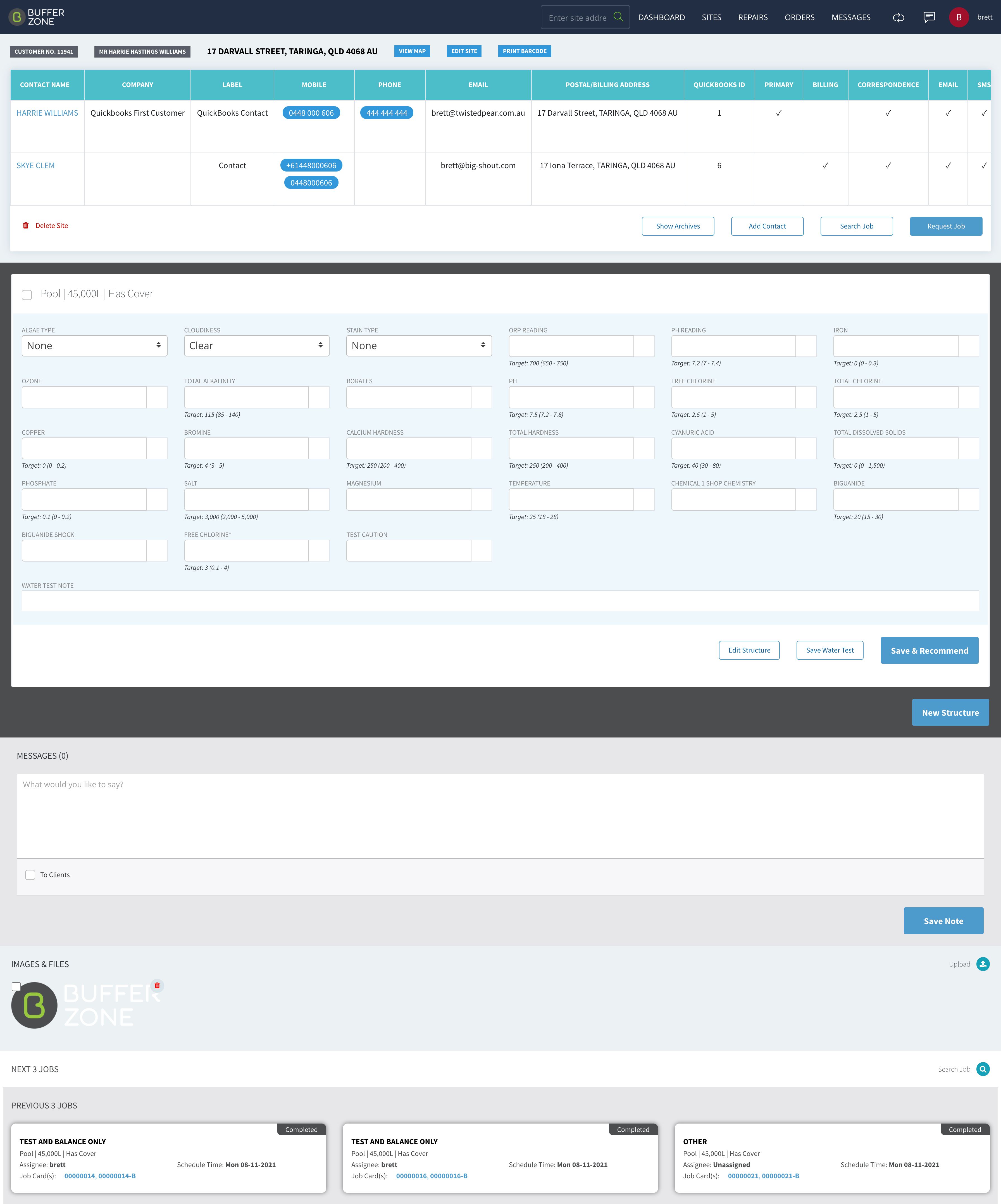

Images can be uploaded to Jobs. These images can then be saved to the Site for which the Job was created and can also be shared with Customers and/or Staff associated with the Job.
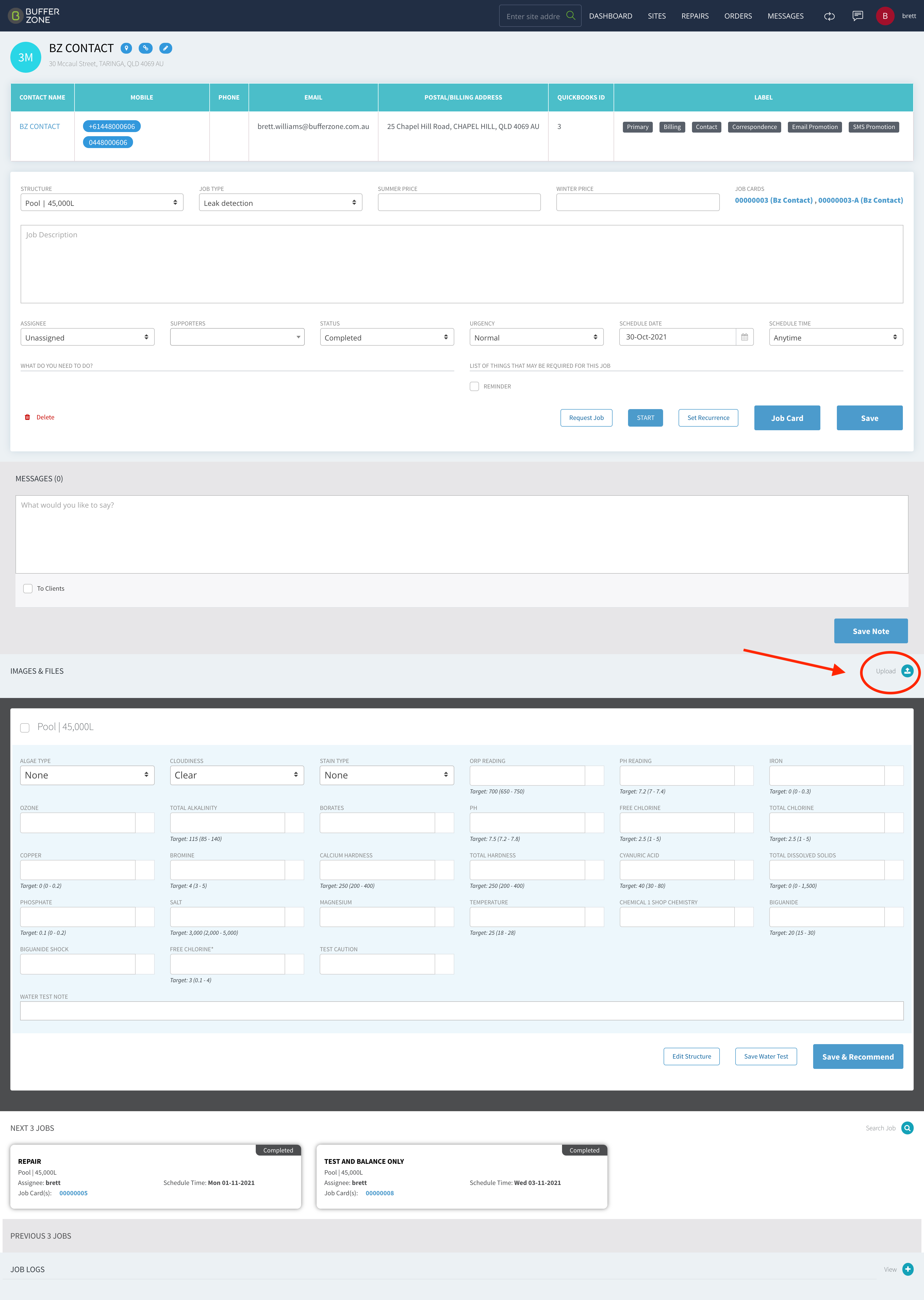
Upload an Image to a Job
The image needs to be selected/ticked for the Share buttons to be visible
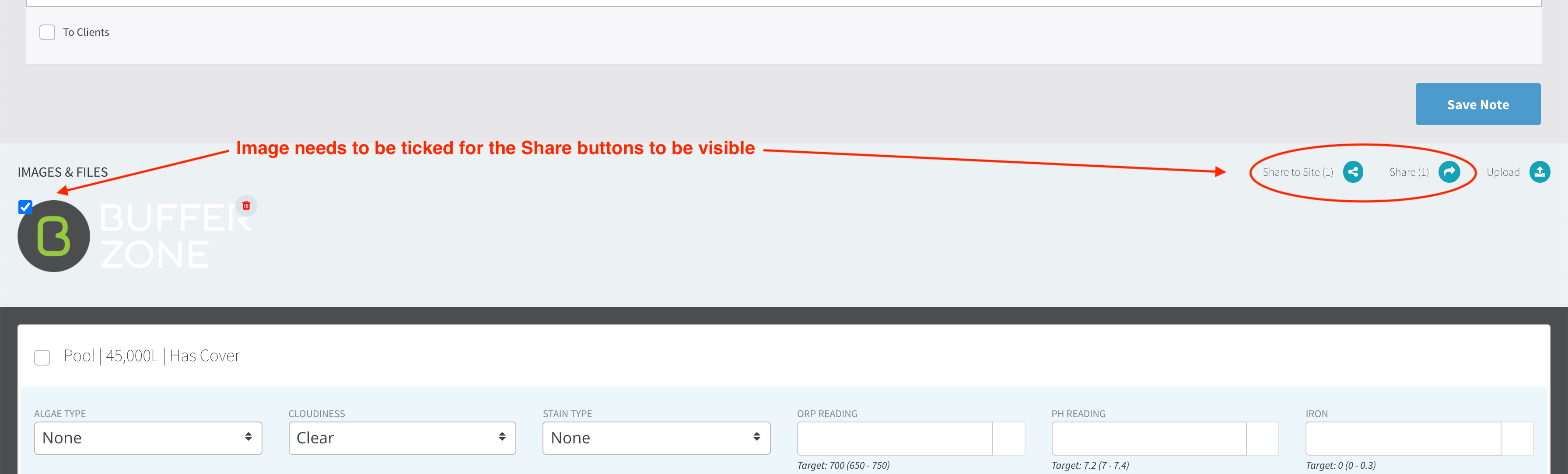
The Share button gives you a choice to Share with Customers and/or Staff
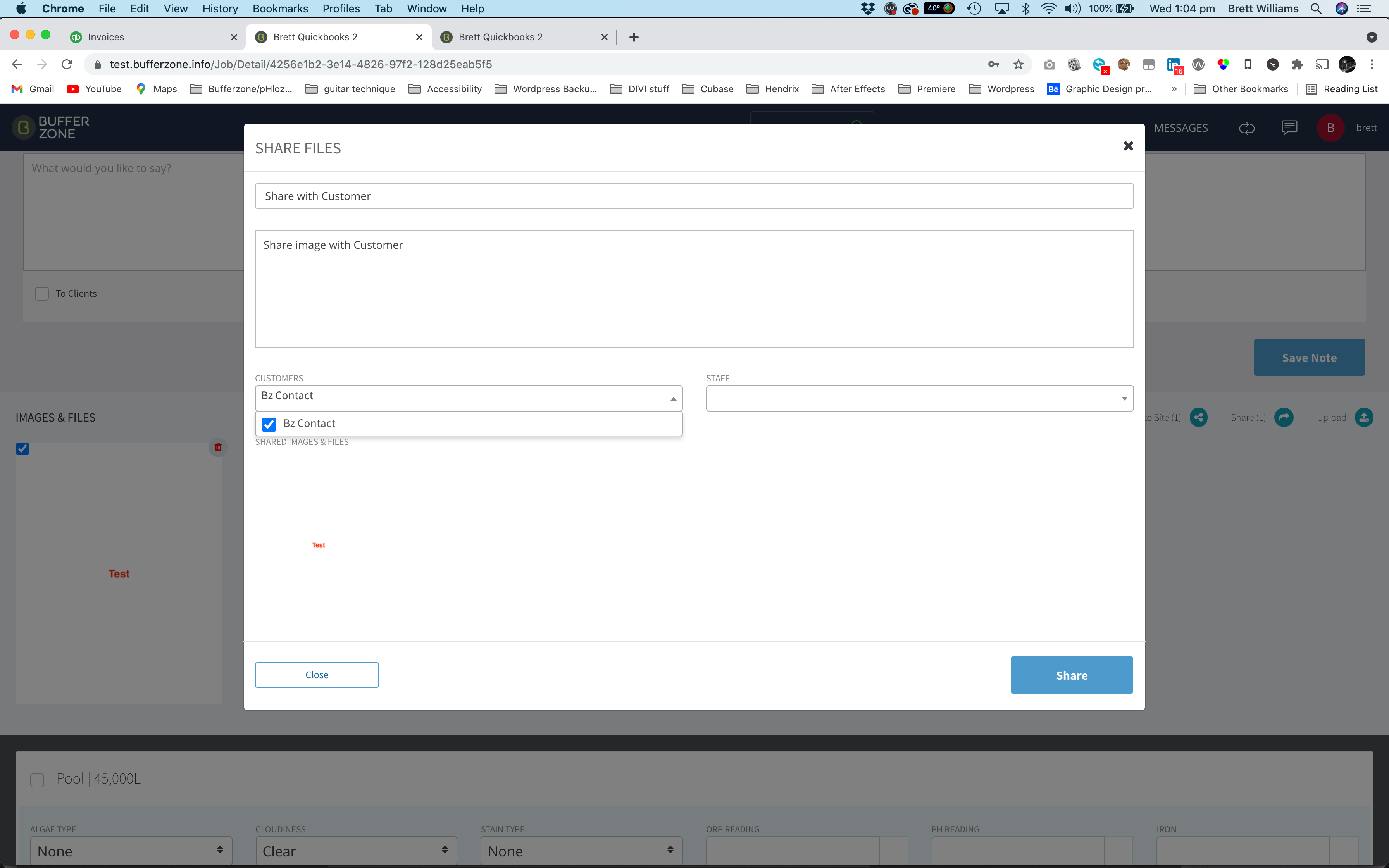
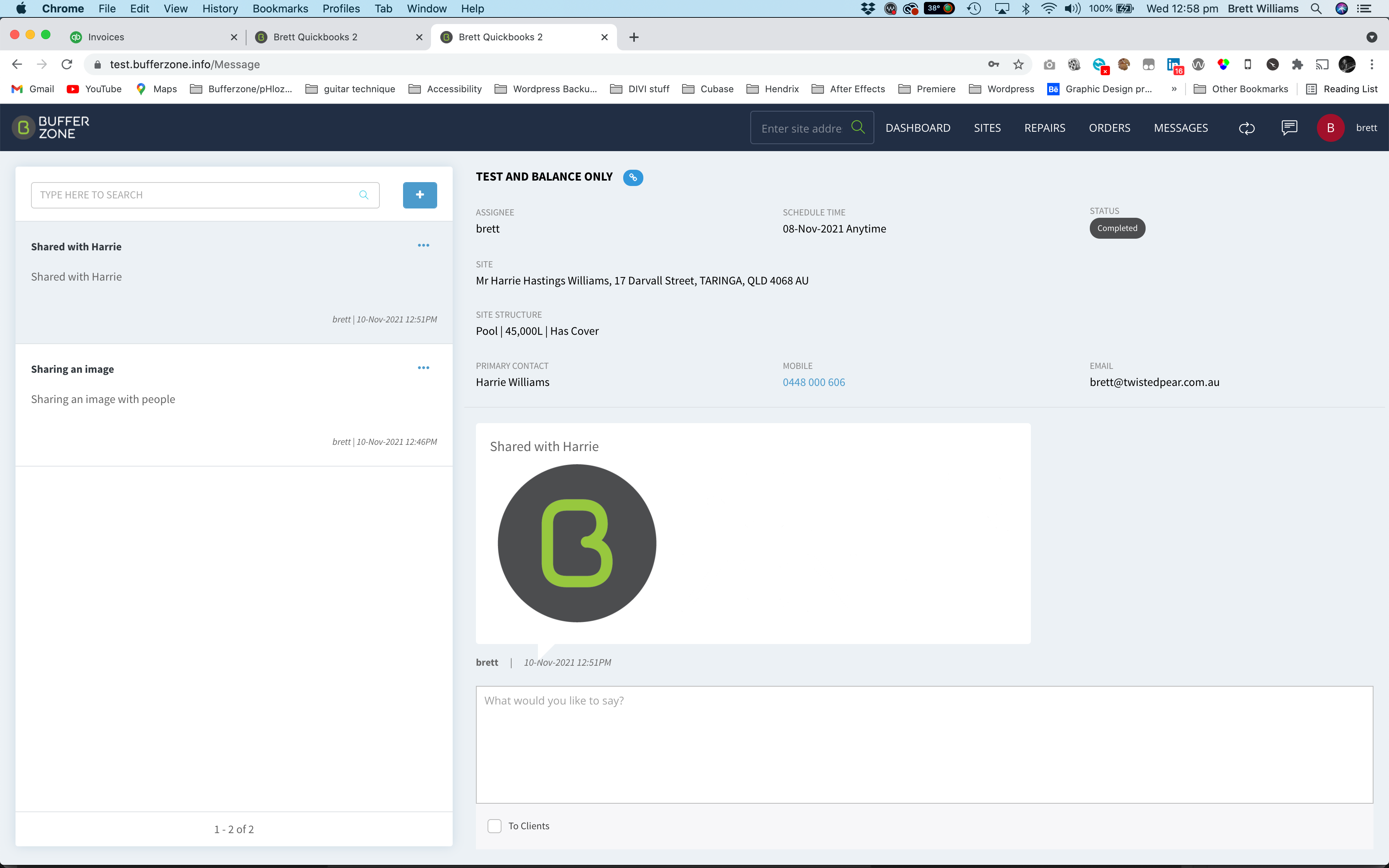
Sharing in this instance attaches the image to a Message which is visible in the Messages window
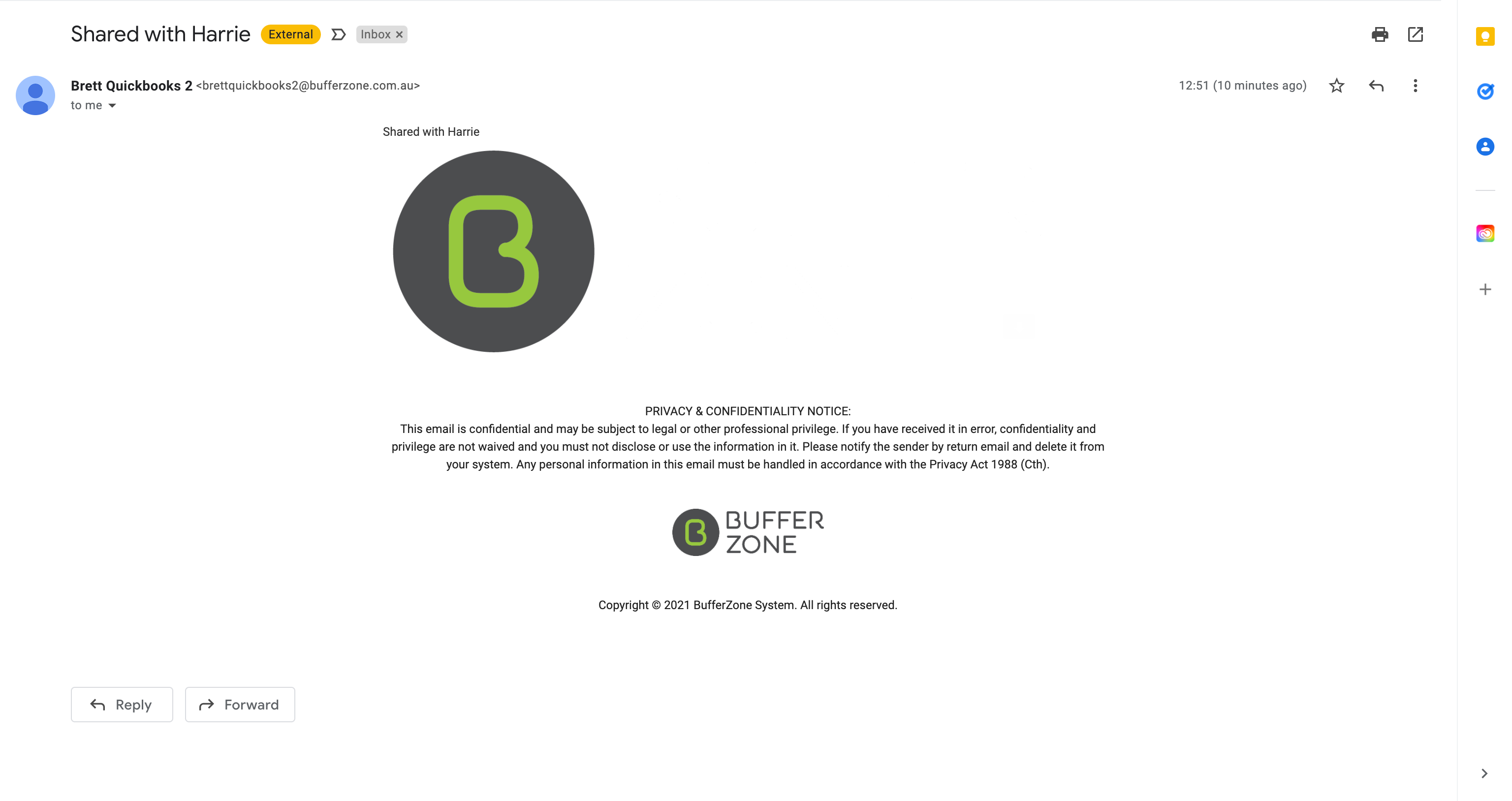
It also sends the Image via email to the selected recipient(s) and it also shares the image to the Contact’s Site address
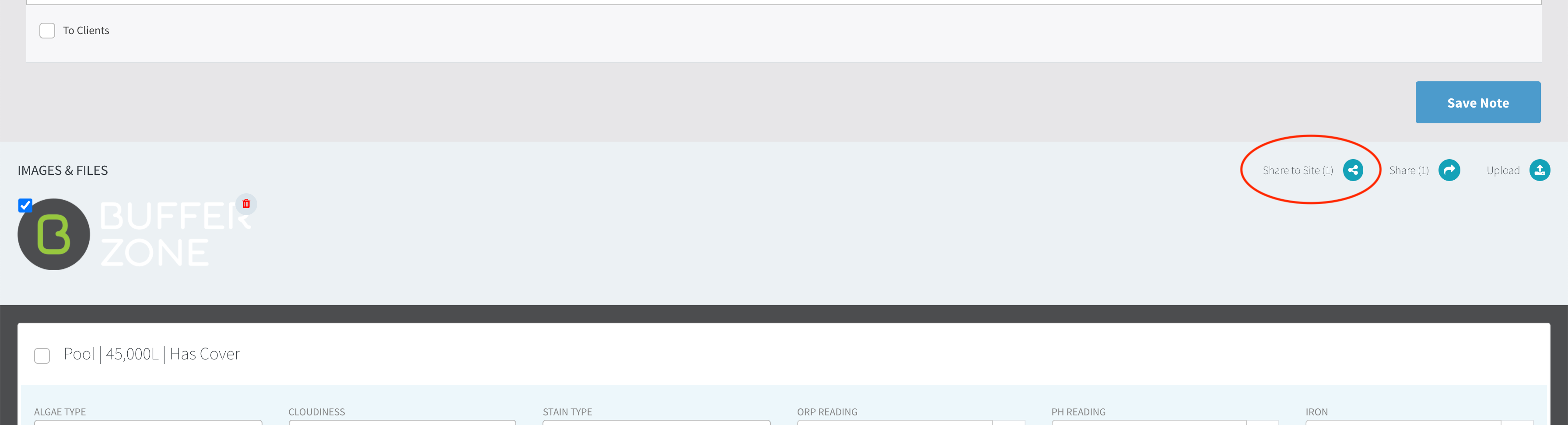
The Share to Site button saves the image to the Site for which the Job was created