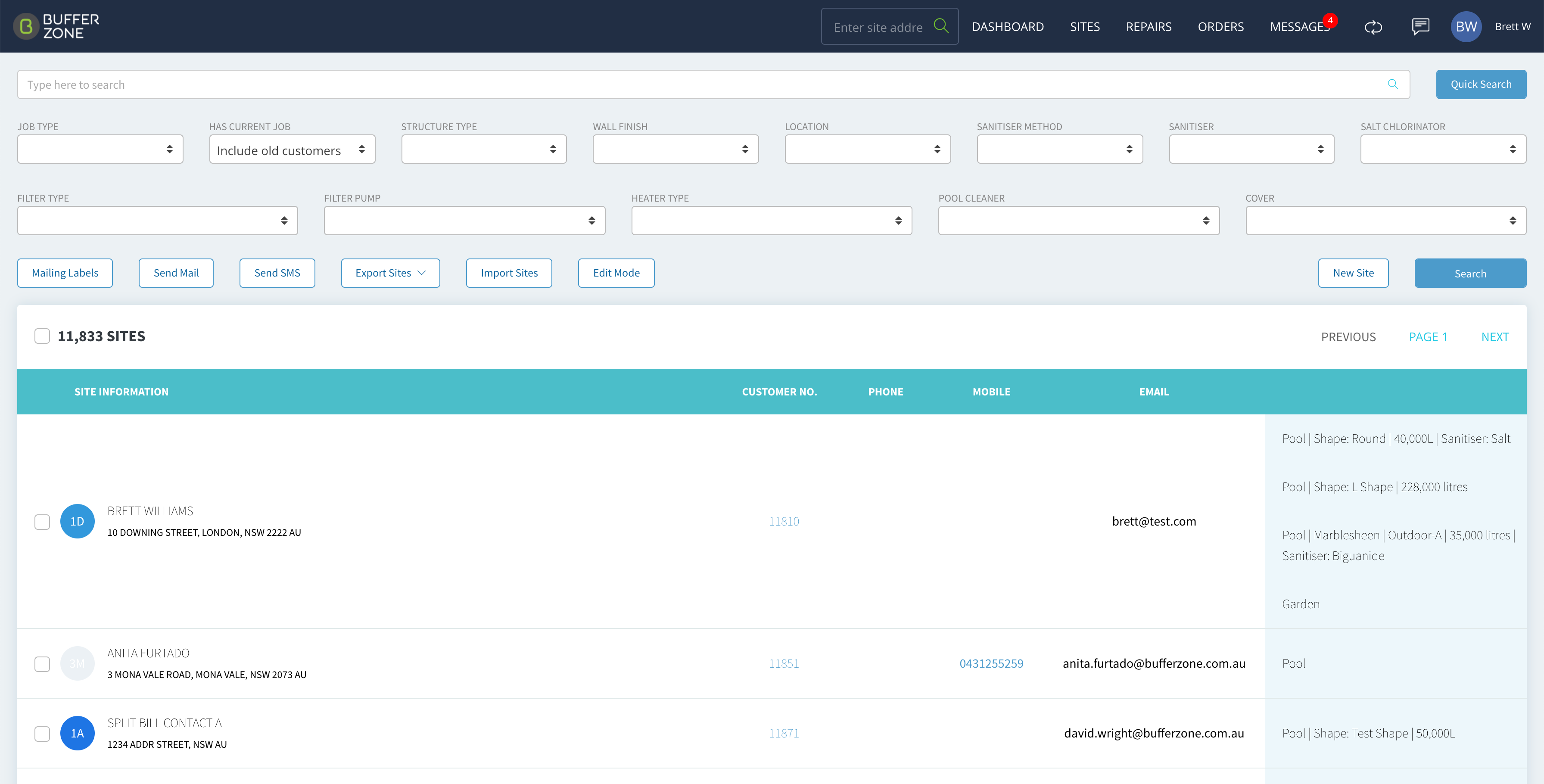

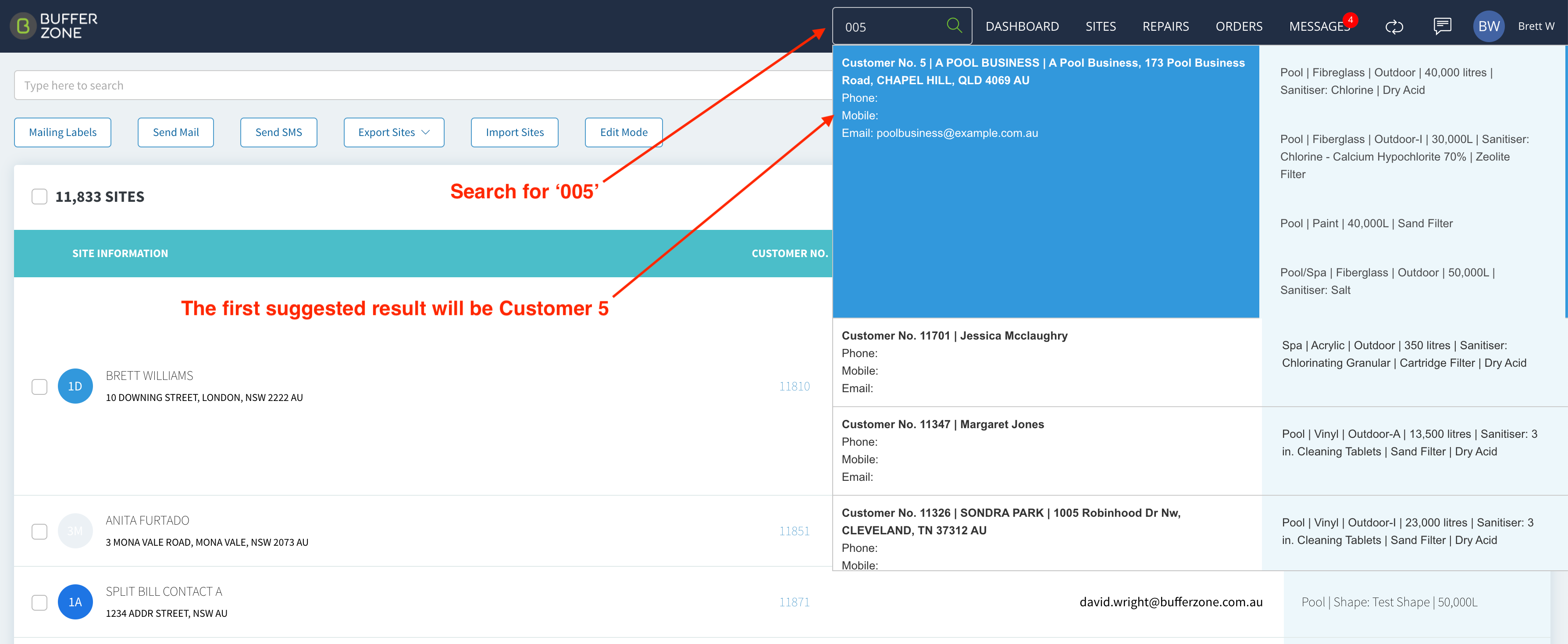
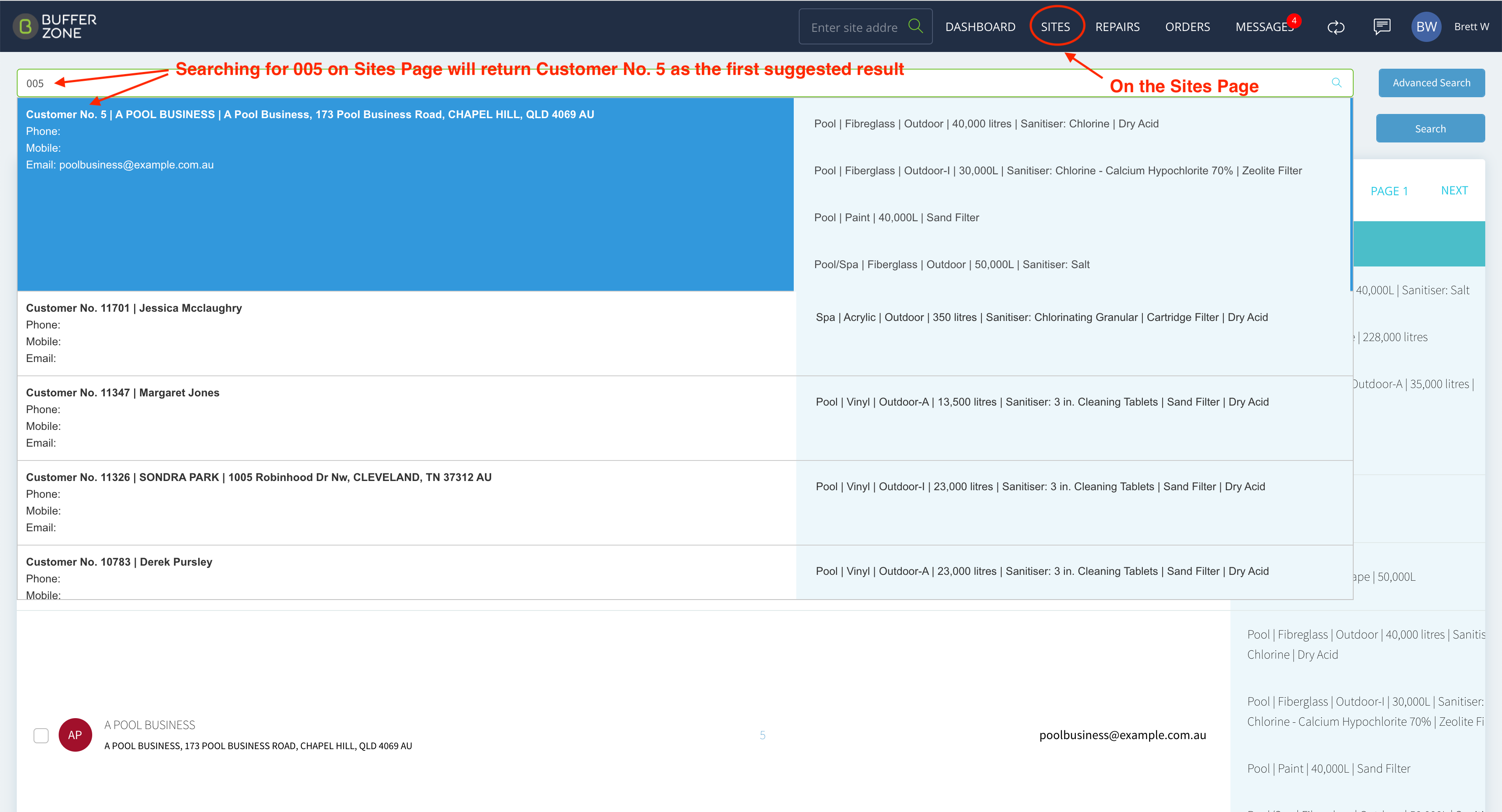
When using the Search function in the top menu or on the Sites page, if you enter ‘00’ in front of a number, the corresponding Customer Number will be suggested as the first Search result.
For example, if you type 005, the first result suggested will be Customer Number 5.
From Main Menu:
From the Sites Page:
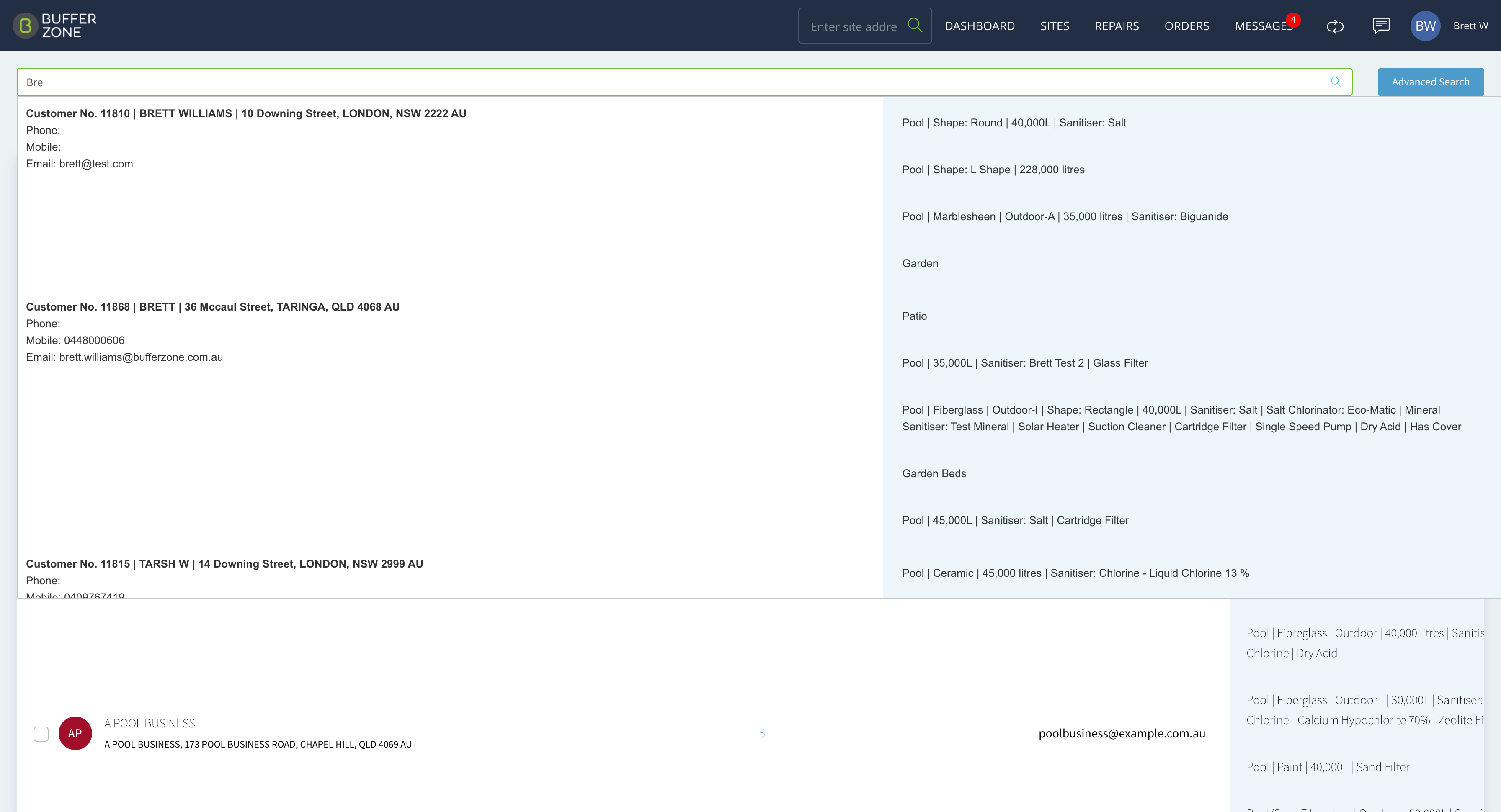
Quick Search
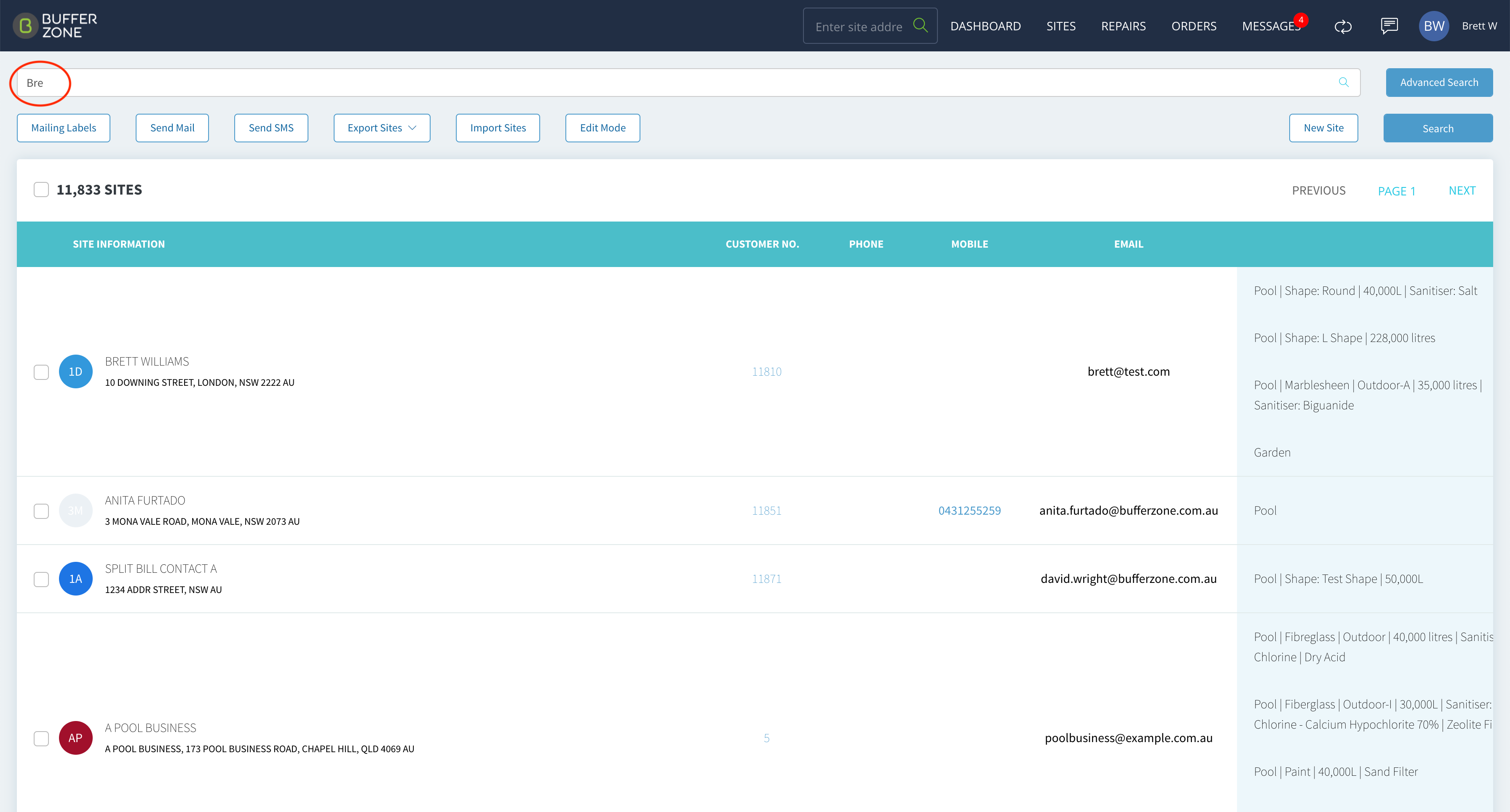
Enter a minimum of 3 letters or numbers for a search to suggest sites
Advanced Search
Advanced Search allows you to search based on a variety of criteria